 GumLeaf
 · answers by SMS · US & Canada
A useful answer, one text away.
Tomorrow's weather. The next train on a supported route. A small everyday question. Text GumLeaf from a basic phone or smartphone, and get an answer by SMS. No app to install. US and Canadian numbers; satellite use depends on your device and carrier.
During our 20-number pilot, new US and Canadian numbers can text one question and get a free answer without a card, while spots last. Want 10 more answers? Start a 14-day trial. Choose card or PayPal at checkout. Then $4.99/month or $47.90/year unless canceled. For basic phones · For hiking
Continue after your free answer
Text TRIAL MONTHLY or TRIAL ANNUAL to 252-486-5323. Tap the link in the reply and finish checkout on Stripe. For PayPal, text TRIAL and choose PayPal on the signup page. Using a basic phone? Check out on a computer.
US number: texting from outside the US & Canada may cost international rates. See pricing.
Illustrative exchanges: ask for a forecast with a place name, a cooking substitution, or the meaning of a word. These examples are not live answers.
Fig. 01 — Illustrative SMS conversation. Not a live forecast or a satellite field test.
[01] The route
How it works
- 01

Text a question
Send a question from a US or Canadian number with working two-way SMS. No app or website login required.
- 02

Get an answer that fits
Get a short SMS reply using forecast feeds for weather and AI for general questions. Longer replies can arrive in several text segments.
- 03

Include the context
Each question stands alone. Include the place and details every time, such as “weather in Moab, Utah tomorrow.”
[02] Everyday uses
A little help, wherever life takes you.
A simpler phone
Keep a quick lookup in reach without adding another app.

The daily commute
Ask for departures on supported transit routes before you leave.

A weekend away
Check the forecast for your destination or understand a piece of gear.
A small question
Look up a word, a cooking substitution, or a useful everyday fact.
All you need on your phone is a working SMS connection. Satellite use needs a separate compatibility check.
[03] Why GumLeaf
Made for a text message
Save one contact for forecasts, supported transit lookups, and everyday questions. Your phone needs to be able to send and receive SMS with GumLeaf; delivery depends on your connection and carrier.

Live data, not guesses
Answers are grounded in real feeds: weather from the US National Weather Service and MET Norway, tide times from NOAA, air quality from EPA AirNow monitors, place lookups by Geoapify, NYC subway times live from the MTA, Bay Area departures from BART and 511.org (Caltrain), plus BART station service alerts via 511.org and latest BART news and delay posts from its official Bluesky feeds, Norwegian transit nationwide from Entur (Bybanen and Skyss buses in Bergen, Ruter in Oslo, and every other operator in Norway), and flight status from AeroDataBox with airport holds straight from the FAA. Questions about current events and tricky facts get double-checked against a live web search before the answer goes out. More feeds are on the way - want one first? Text FEEDBACK followed by your wish (e.g. "FEEDBACK add ferry times") to the GumLeaf number.

Answers from ChatGPT Instant
GumLeaf uses OpenAI's latest ChatGPT Instant model for quick, clear answers. It updates automatically as OpenAI updates the model, so you don't need to download or upgrade anything.
Use your own phone
Nothing to install, no login. Your phone number is your account. Text a question first while pilot spots last. Trial signup is optional.
[04] Trailheads
Who GumLeaf is for
Hiking & camping
Destination forecasts, sunset times, and gear questions. Check your connection before a trip.
Read more →
The long wait
A useful question while you wait, wherever you have a working SMS connection.
Read more →
Helping an elder
One saved contact that answers the everyday questions. No app to learn, no password to lose.
Read more →
Dumb phones & quiet lives
Quit the feed, keep the answers. For basic phones with two-way SMS.
Read more →
Buddhist practice and a simpler phone
Check the forecast before walking to a sitting, or look up a measure while cooking for your sangha.
Read more →
AI without mobile data
Ask a question from the grocery aisle with a plain text. You can set up GumLeaf on a computer.
Read more →
When a cyberattack takes apps offline
If texts still go through, GumLeaf may help you draft a message. See what has to stay online for a reply.
Read more →Pricing
Try GumLeaf free for 14 days
$0 today. Get up to 10 answers by text during your trial.
Made by Christin Chong. Your subscription helps cover the cost of each text. Self-host GumLeaf
[06] Field notes
Questions, answered
Can I use GumLeaf in an emergency?
No. Please don't. GumLeaf is a convenience, not a safety service, and texts can be slow, go missing, or come back wrong. If it's a real emergency, call your local emergency services (911 in the US, 112 in Europe) or use your phone's built-in Emergency SOS. Never bet your safety on a text bot.
How do I get started?
During our 20-number pilot, new US and Canadian numbers can text one question and get a free answer without a card, while spots last. For 10 more answers, Start a 14-day free trial with a billing email and your choice of card or PayPal. You get 10 answers total. Unless you cancel before the trial ends, Plus renews at $4.99/month or $47.90/year (20% off), with 10 answers each paid month. Unused paid answers roll over.
How do I activate GumLeaf Plus?
Verify your number and finish checkout. Your trial starts then. After 14 days your payment provider bills the plan you selected unless you cancel.
Can I move my subscription to a new phone number?
Yep. Send a note through the contact form from the email you paid with and I'll move it over.
What happens after my tenth trial answer?
You can wait for your scheduled billing date, or, if you chose card checkout, text PLUS for the price of starting today. Confirm by text to end the trial and charge your selected plan. Your first 10 paid answers are available once payment clears. Text BALANCE to check your allowance or BILLING to cancel. HELP and BALANCE use no answers.
What happens to welcome credits I already received?
Any unused welcome credits already issued remain available until their original expiry. They are separate from your 10 monthly answers. Used credits are not refilled, and accidental duplicate welcome grants have been corrected. New signups do not receive welcome credits. Gift, promo, and referral credits are separate from the former welcome bonus.
Does it remember what I asked?
Every question is answered on its own. GumLeaf does not keep ordinary question-and-answer history, though messaging and AI providers process your messages under their own policies. The one habit to build: include the place in each question, like "weather in Moab tomorrow" instead of "what about tomorrow?".
Can I use GumLeaf over satellite?
Compatibility depends on your device, carrier, plan, location, and support for two-way SMS with business numbers. GumLeaf has not completed a satellite field test. A successful cellular text does not establish satellite compatibility; test both directions on your own setup before a trip. Messages may be delayed or fail.
How do I check satellite compatibility?
Check your device and carrier’s current requirements, including whether your plan supports two-way SMS with a US business number. Follow the satellite checklist and test your own setup. Emergency-only satellite SOS is not ordinary SMS access to GumLeaf.
Where is GumLeaf supported?
GumLeaf supports US and Canadian phone numbers. Carrier message, roaming, international, and satellite charges may apply; check your plan. Delivery while traveling depends on your carrier and connection. Other countries’ numbers are not currently supported.
What commands does GumLeaf understand?
Managing GumLeaf uses no answers. Text MENU for the command list, BALANCE for answers left, TRIAL for signup, BILLING to manage or cancel, CONTACT for the contact card, or FEEDBACK followed by a note for the maker. HELP gives help and STOP stops messages.
Each successful lookup uses one answer. That includes questions in your own words, questions about a photo, and these shortcuts:
- SUBWAY station for NYC trains, BART station or CALTRAIN stop for Bay Area trains, and NORWAY stop (also SKYSS or BYBANEN) for Norwegian transit.
- BART delays for the latest service update or BART latest post for the latest BART Bluesky post.
- FLIGHT UA123 for flight status, TIDE place for US coastal tides, or AIR place for air quality.
Which offline apps do you recommend?
I use Locally by LM Studio to run a downloaded AI model on my phone. I also recommend Kiwix for reading offline. You can download Wikipedia or a field guide before a trip and look things up even when you have no signal.
What do you store about me?
GumLeaf keeps your phone number, usage metadata, any feedback you explicitly submit, and a subscription link if you use Plus. It does not keep ordinary questions and answers as conversation history. Messaging and AI providers process messages under their own policies. See the privacy policy for retention periods and details.
How do I stop messages?
Text STOP to stop messages. Manage or cancel your subscription separately at billing. It's handled at the carrier level, so GumLeaf goes quiet for good, unless you text START to bring it back.
Can I run this myself?
For sure. GumLeaf is open source (github.com/codestin/gumleaf), so you can run it on your own Twilio number and the LLM of your choice. What you'd pay me for isn't the code, it's everything around it: US carriers make you register a number for A2P texting, which is real paperwork and a wait of days to weeks; you'd hold your own keys and cover every message's cost; and someone has to keep it deployed and patched. On the hosted plan, that someone is me instead of you.
Why the name GumLeaf?
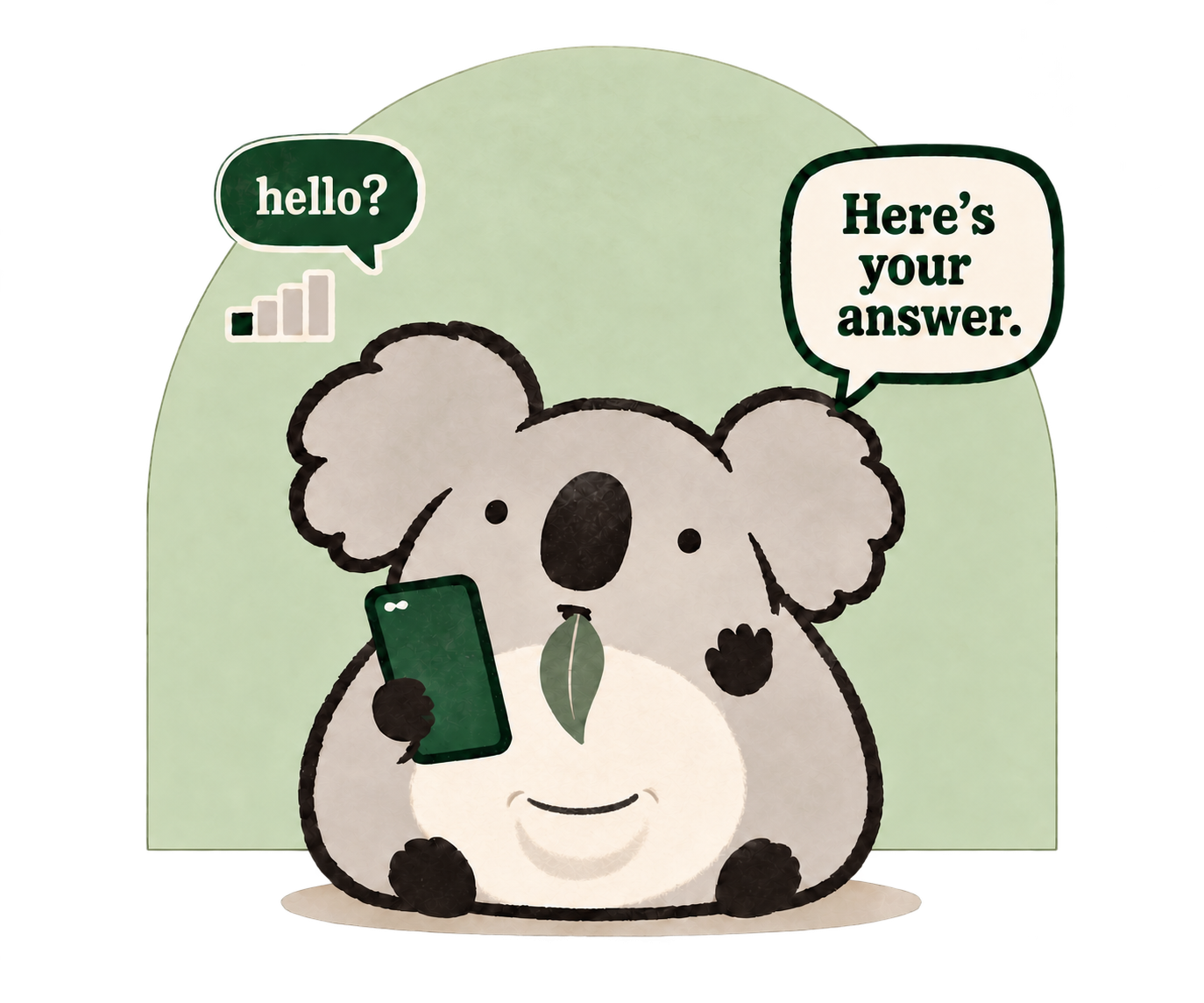
GumLeaf is what a koala lives on. In Australia, eucalyptus trees are called gum trees, and their leaves, gum leaves, are pretty much the only thing a koala ever eats. It gets nearly everything it needs, food and water both, from that one humble source. That's the whole idea. One simple, low-power channel, a plain text, is all it takes to keep you going off the grid. No app, no data plan, no Wi-Fi. Like a koala on a single gum leaf, GumLeaf does a lot with almost nothing, which is exactly why the koala is our mascot.
Doesn't this remind you of something from the early 2000s?
Yeah, it does. GumLeaf was inspired by peabrain, an SMS journaling tool my friend Buster Benson built back in the early 2000s. There's almost nothing left of it online now, just an old mailing list thread. What always stuck with me is that a plain text message is still the lowest-fidelity interface most people can reach, no smartphone needed. I wanted to bring back little tools like that.
For organizations & creators
Useful for your community?
Let’s explore a resource, an independent review, or a small pilot for the people you serve.
From the maker
GumLeaf is a project by Christin Chong, PhD, and is operated by Chong Consulting LLC. You can learn more about her and keep up with her other projects in the same vein through her newsletter. Thanks for being here.
Christin Chong, PhDgetgumleaf.com